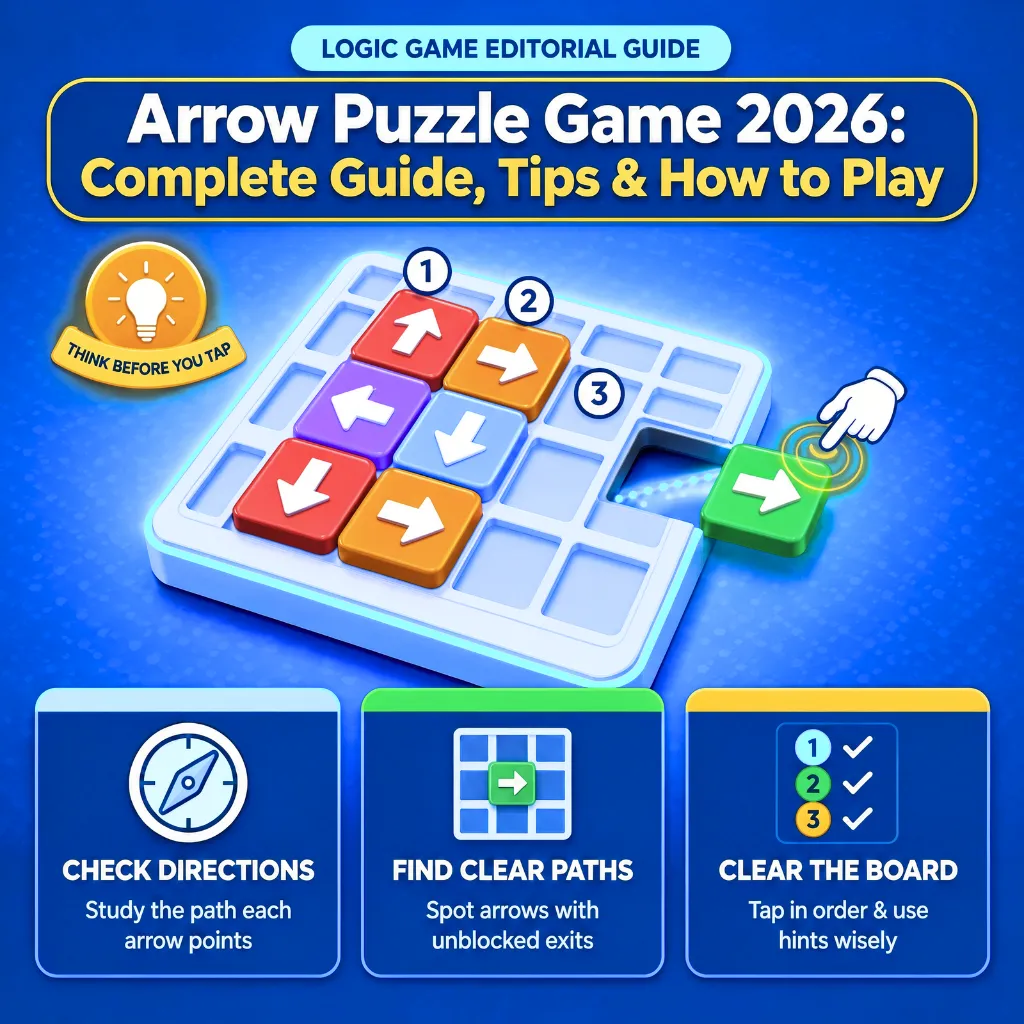
Arrow Puzzle Game 2026: Complete Guide, Tips & How to Play
Today, I am presenting a new “arrow puzzle” game 2026. This game was launched on the Play Store just last month and has already garnered over 100 installations. I have been playing it on my own mobile device for the past three weeks, and today I am here to share a detailed review, explain how to play, and provide general information about the arrow puzzle game.
Developed by Mobosoft Tech, this is an engaging game that you can enjoy. It is approved by Google AdMob, meaning that Google AdMob advertisements will appear within the game. While the game can be played entirely offline, you also have the option to watch advertisements to earn extra lifelines or hints; for this, an active internet or Wi-Fi connection is required.
Read More: arrowwayapk.online
Main Features of Arrow Puzzle Game 2026
Now, let’s talk about the features of this game. It boasts a unique design, well-crafted levels, and excellent gameplay mechanics. Additional features are listed below:
- Online and Offline Play: You can play this game entirely offline. However, if you wish to obtain extra lifelines or hints to help you complete a level, you will need to use the internet; this will involve watching a rewarded ad or an interstitial ad, after which you will be provided with the hint or lifeline.
- Logic-based Challenge: In this game, you need to play carefully and check whether there is any obstacle in front of an arrow. If there is an obstacle, you should select or tap on an arrow that has a clear path ahead; as soon as you tap it, the arrow will escape.
- Helpful Hint system: If you get stuck while playing the game and are unsure of your next move, you can use the ‘hint’ option. Please note that this is entirely optional; by clicking on the hint, you will be shown a ‘reward ad,’ after which the hint for your next move will be revealed.
- Simple tap Way: The gameplay is simple: just look for any obstacles in front of the arrows. If there is an obstacle, do not tap; if the path is clear—meaning there are no obstacles—you can tap.
Complete Guide to Play Arrow Puzzle Game 2026?
Based on my own experience, I am going to explain how to play this “arrow puzzle” game, so that you can learn the correct way to play it.
Get it From Play Store: To play this game, you can find it on the Play Store by searching for “Arrow Puzzle,” or you can access it playstore on your mobile phone.
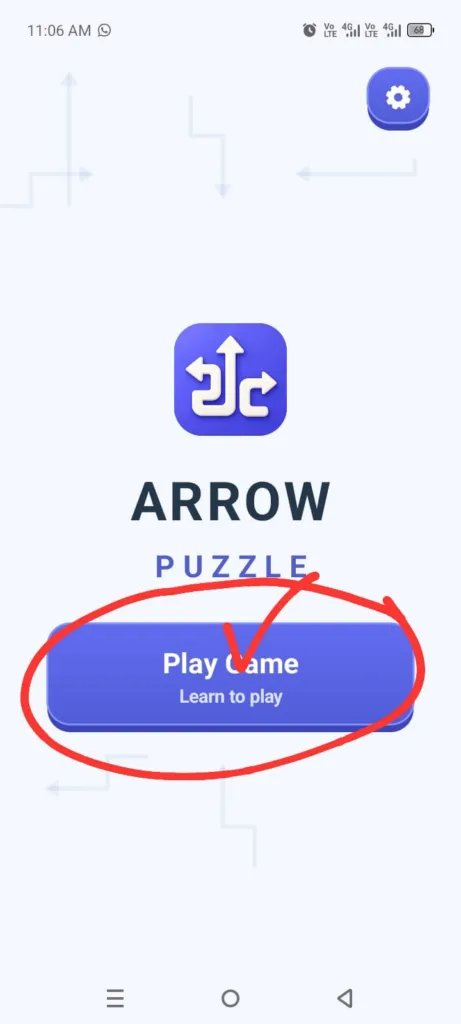
Open Puzzle Game: After launching the game and clicking the ‘Play Game’ button, play the demo game; once you have completed this, the first level of the game will appear on your mobile screen.
Tap On Arrow: You need to tap on the arrow that has no obstacles in front of it; as soon as you tap, it will move outward. Then, do the same for the remaining arrows.
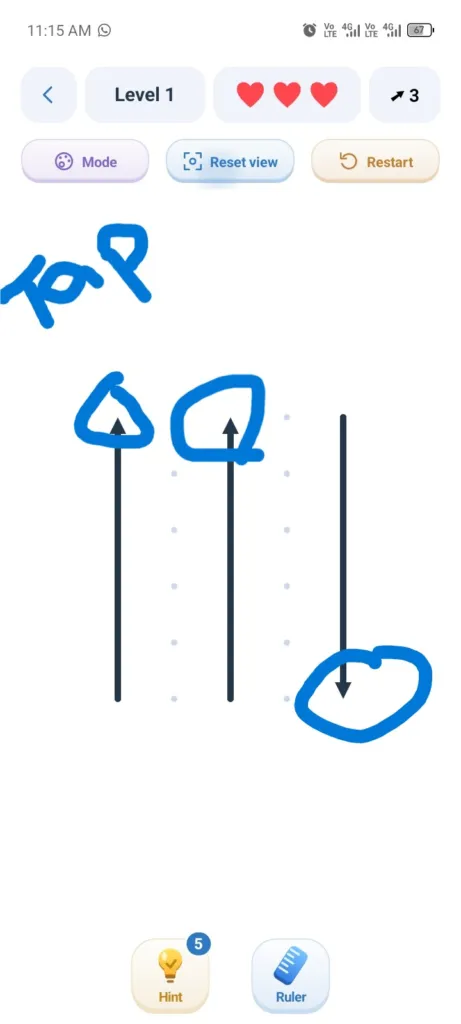
Complete the Level: You need to keep tapping the arrows that do not have an obstacle in front of them, and in this way, complete the levels. As soon as you complete a level, a screen appears displaying a ‘Next Level’ button, allowing you to play the next stage.
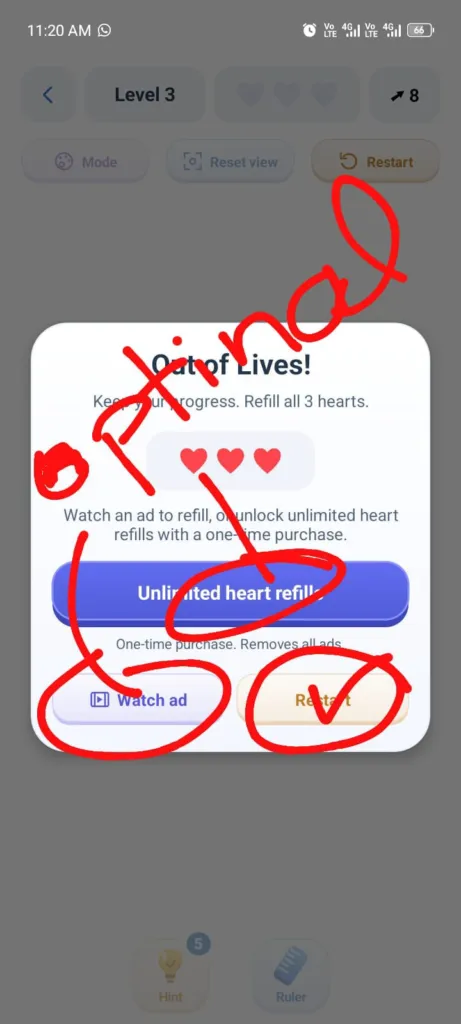
Challenges Level: If you are playing a level and run out of the three lifelines displayed at the top, you can restart the game—this is an option if you wish to play offline. Alternatively, you can obtain more lifelines and hints by clicking on the “Watch Ad” section or the “Unlimited Heart Refill” section.
Please note that you will need to have your internet connection enabled for this, as you will be shown reward-based advertisements; once viewed, you will be granted the hints and lifelines.
Important Instructions:
Please note that this game offers both online and offline play modes. If you wish to play offline, ensure your internet is turned off; otherwise, interstitial ads may appear during or at the end of the game, which could disrupt your experience. Therefore, to play completely offline, make sure that neither your mobile data nor Wi-Fi is connected.
FAQ’s
How do I get more hints for this Puzzle Game?
Ans: If you wish to obtain additional lifelines, you will be provided with further hints and lifelines after watching the rewared ads.
Is Arrow Puzzle game free?
Ans: Yes, you can use this application on your mobile phone and play the game completely free of charge. However, if you wish to get rid of advertisements, you have the option to make a payment—though this is entirely optional. You can play this game both online and offline.